By the KeystoneIQ team · 6 min read · Updated October 4, 2026
Manual competitive intelligence is a tax on your GTM team. Reps copy-paste battlecards into Slack threads. Marketers screenshot competitor pricing pages into Notion. PMMs maintain a spreadsheet that goes stale the day they finish it. None of it ends up in the CRM, which means none of it shapes the deal. This post explains exactly what KeystoneIQ reads from HubSpot and Salesforce, what it writes back once you allow it, and what it delivers to Slack, Microsoft Teams, and email, with the plan each piece needs.
Start your 14-day free trial
No credit card. The trial runs on the Growth plan, so CRM write-back, deal nudges, and Slack delivery are all included. Your first brief in minutes.
Start free trialThe hidden cost of manual competitive intelligence
The work is not the research. The work is the distribution. A great competitor teardown sitting in a Google Doc that nobody opens during a live deal is worth zero dollars in pipeline. The integrations below are how KeystoneIQ closes the gap between "we know this" and "the rep working the deal knows this."
| Step | Manual workflow | KeystoneIQ |
|---|---|---|
| Detect a competitor change | Hope someone sees the LinkedIn post | Weekly crawl of competitor sites and news, plus daily watching of your primary competitors' changelog pages (Starter and up) and pricing pages (Growth and Pro). Review signals on Growth and Pro. |
| Verify the source | Open 4 tabs, cross-reference | Key claims link to their source, with a date and how many sources agree |
| Get it to the deal owner | Slack DM, hope they read it | Add a brief to a HubSpot or Salesforce deal (Starter and up); daily deal nudges by Slack DM and CRM note (Growth and Pro). CRM writes wait for you to turn on write-back. |
| Notify the team | Email blast nobody opens | Weekly brief and change alerts in Slack, Teams, or email (Starter and up) |
| How fast it moves | Days, sometimes weeks | Daily for nudges and watched pages, weekly for the brief |
HubSpot: intelligence on the deal, once you allow it

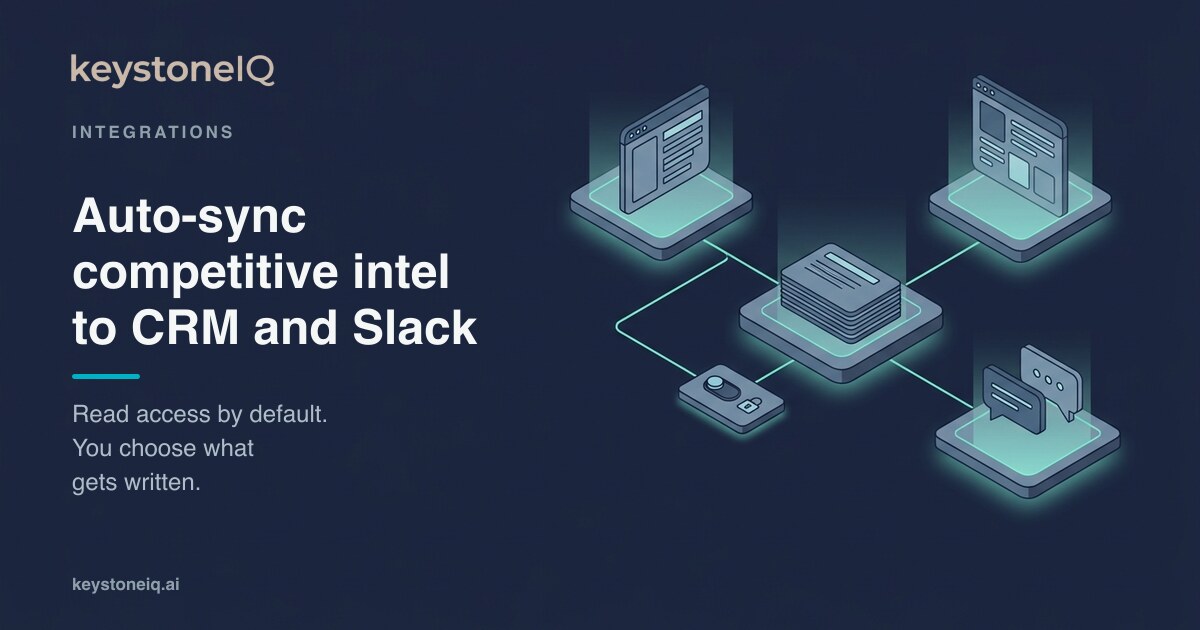
On Starter and up, KeystoneIQ reads your HubSpot deals, so it knows which competitors are in play in open pipeline, and Starter adds a KeystoneIQ card on HubSpot deal records. Writing back is a separate decision. Nothing is written to HubSpot until a workspace owner turns on CRM write-back: one switch, off by default. Once it is on, three things can reach a deal:
- Add to deal (Starter and up). Post a brief to a HubSpot deal as a note, marked
[KeystoneIQ Brief], when you decide it belongs there. - Deal nudges (Growth and Pro). Once a day, KeystoneIQ looks for high-impact signals on the competitors linked to your open deals: a pricing change, an M&A event, an executive hire or departure, a leadership change, a funding round, or a critical or major outage. Each match becomes a note on the deal with the signal type, the competitor, the account, a one-line summary, and the source link. The deal owner also gets the nudge in KeystoneIQ and by Slack DM, whether or not CRM write-back is on.
- Deal risk score (Growth and Pro). After the weekly risk recompute, KeystoneIQ writes a 0 to 100 score and a label (LOW, MEDIUM, HIGH, or CRITICAL) to two deal properties your HubSpot admin creates once:
keystoneiq_deal_riskandkeystoneiq_risk_label.
Feature launches do not trigger deal nudges; they show up in your weekly brief and, for changelog pages, in change alerts. For setup details, see the integrations page.
Salesforce: tasks and risk fields on the Opportunity
Salesforce connects directly with Salesforce OAuth: no managed package and no custom Apex. On Starter and up, KeystoneIQ reads your opportunities. With CRM write-back on:
- Add to deal (Starter and up) posts a brief to an opportunity as a Task.
- Deal nudges (Growth and Pro) arrive as Tasks on the opportunity, with a subject like "KeystoneIQ: [competitor] signal on [account]".
- The deal risk score (Growth and Pro) writes to two custom fields your admin creates once:
KeystoneIQ_Deal_Risk__candKeystoneIQ_Risk_Label__c.
That is the full list. KeystoneIQ does not write to Account records or custom objects, and the field names are fixed rather than mapped. Win/loss patterns from your closed deals (Growth and Pro) stay in KeystoneIQ rather than being written onto opportunities. CRM sync also reads Pipedrive and Zoho deals.
Slack: briefs and alerts in the channel your team already reads
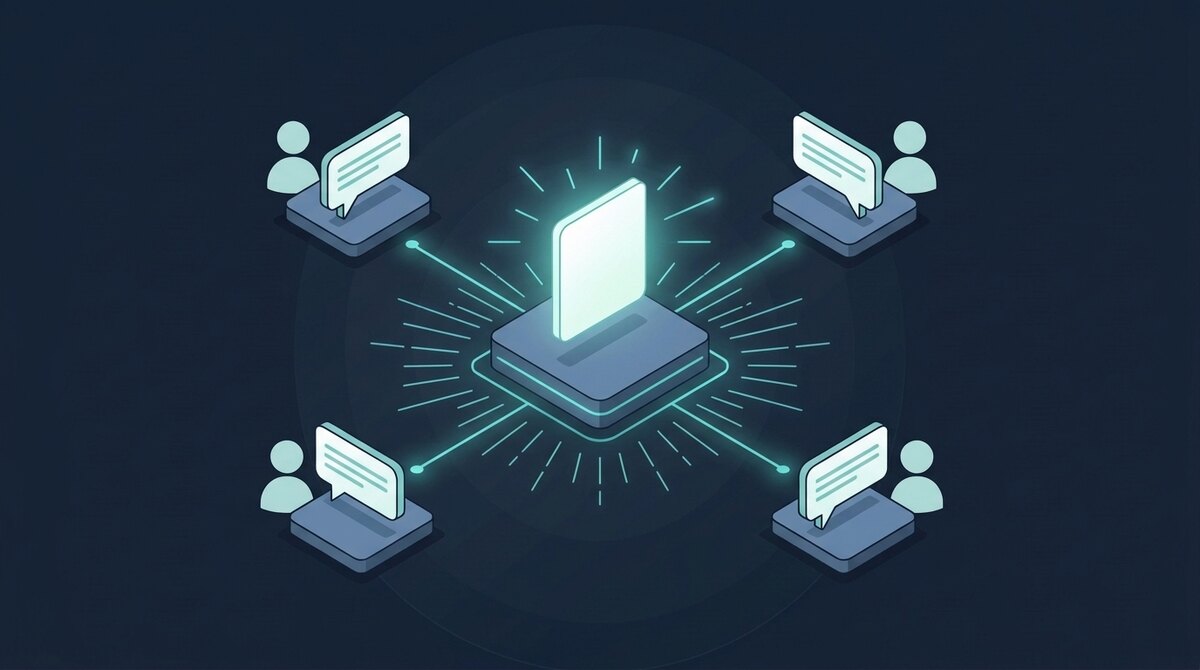
Slack connects with OAuth, and Microsoft Teams and email are supported too. What arrives depends on the plan:
- The weekly brief (Starter and up), delivered Monday to the channel you pick: a summary and a link to the full brief. Owners can turn brief posts off without disconnecting Slack.
- Change alerts. Changelog alerts on Starter and up, pricing-page alerts on Growth and Pro. Each one says what changed, why it matters, and a suggested action. Executive-move alerts are on Growth and Pro too.
- Custom alert rules: 3 on Starter, unlimited on Growth and Pro. A rule alert carries the rule name, the signal text, the source link, and a link to open it in KeystoneIQ.
- Deal nudges by Slack DM (Growth and Pro), sent to the deal owner, as described above.
The Free plan has no weekly brief and no alerts; it is for trying the product on one competitor. Alerts go to one workspace channel rather than being routed per competitor.
Source-cited by default. This is the part that matters.
Syncing intelligence into the CRM only helps if reps can trust what arrives. In a KeystoneIQ brief, key claims link to their source, with the date and how many sources agree, and each brief carries a High, Medium, or Low confidence rating, so you can click through to the original web page, filing, or review. When a CRO asks "where did this come from," the rep has a real answer. Briefs are also written to follow your team's stance: your never-do rules and your take on the market, editable on Starter and up.
Onboarding: set up in minutes
- Sign up with email. No credit card. The default trial runs on Growth for 14 days.
- Add 3 to 10 competitors. KeystoneIQ resolves their domains, tickers (if public), and review pages.
- Connect HubSpot or Salesforce with OAuth. Turn on CRM write-back only if you want KeystoneIQ to write to deals.
- Connect Slack (or Teams) and pick the channel.
- Generate your first brief. Read it in KeystoneIQ, share it to Slack, or add it to a deal.
See it in your stack
14-day free trial on Growth. No credit card. After the trial, choose Free ($0), Starter ($149/mo), Growth ($399/mo), or Pro ($799/mo), or pay annually: $1,490, $3,990, or $7,990 a year.
Start free trial · See pricingFrequently asked questions
- Does KeystoneIQ write to HubSpot or Salesforce automatically?
- Only after a workspace owner turns on CRM write-back, which is off by default. With it on, you can add a brief to a HubSpot deal or Salesforce opportunity (Starter and up), and on Growth and Pro KeystoneIQ adds daily deal nudges as notes or tasks and writes a weekly deal risk score to two fields your admin creates. Reading your deals needs no write access.
- How does the Salesforce integration connect?
- Directly, with Salesforce OAuth. There is no managed package and no custom Apex. KeystoneIQ reads opportunities, and with write-back on it creates Tasks on opportunities and writes the risk score to two custom fields on Growth and Pro.
- What does the Slack integration deliver?
- On Starter and up: the weekly brief in the channel you choose, changelog change alerts, and custom alert rules (3 on Starter, unlimited on Growth and Pro). Growth and Pro add pricing-page change alerts and deal nudges by Slack DM. Microsoft Teams and email are also supported. The Free plan has no weekly brief and no alerts.
- How long does setup take?
- Minutes. Add competitors, connect your CRM and Slack with OAuth, and generate your first brief.
- Is there a free trial?
- Yes. The default 14-day trial runs on the Growth plan with no credit card, so you can test CRM write-back, deal nudges, and Slack delivery before paying. There is also a Free plan for one competitor.
- How is this different from Klue or Crayon?
- Two main differences. First, KeystoneIQ is built around source-cited intelligence: key claims link to their sources. Second, it is self-serve, with public pricing and a CRM write-back you control from one switch. If you are comparing CRM depth with Klue or Crayon, the comparison page has the sourced details.
Related reading
See KeystoneIQ in your stack
Built for Frontier PMM and GTM teams. No credit card, no annual contract. Your next brief in minutes, not weekends.
Start free, no credit card